A militia when properly formed are in fact the people themselves … and include… all men capable of bearing arms. … The mind that aims at a select militia, must be influenced by a truly anti-republican principle.
Richard Lee, Federal Farmer LIII
The militia the Founders envisioned had nothing to do with the National Guard or Reserves.
PEBKAC: Protecting the Memory Hub
This column originally appeared in the April 2012 issue of About This Particular Macintosh.
Beginning in 2004, I’ve made a calendar for the coming year featuring our children. For four years, it was just our oldest son. Then we adopted Boy #2, and for three years it was the two of them. The calendar for 2012 now features all three of our sons. I’ve always bought copies for our extended family: the boys’ grandparents, great-grandmothers, aunts and uncle. The calendars are given as gifts at Christmas time, and after the first three years, it became an expectation on the part of the extended family.
My habit has been to curate, throughout the year, an album in iPhoto of possible calendar photo candidates. Often, this is no small task, as we try to take many shots of our three sons. Just after Thanksgiving, I’ll sit down and start sifting through the curated folder. Once I’ve done the initial purge, my wife will sit in and we’ll go through it again, knocking out the ones she doesn’t care for. Then it’s calendar-creating time.
I’ve been pretty happy with the calendar layout and purchasing options Apple offers within iPhoto, and that’s what we’ve used each year.
The 2012 calendar was delayed, due to the nearly three weeks my wife and I spent in Africa at the end of November and beginning of December, as we adopted Boy #3. There were a few “But what about the calendars?” from the extended family at Christmas; like I said, it’s become a pleasant expectation. Rest assured, they arrived the second week of January and have been in full use at the respective households (and places of work) since.
Steve Jobs once famously held up the Mac as the “digital hub”. It was to be the machine you plugged your cameras, iPods, musical instruments, whatever, into so you could work with photos, videos, and music. iCloud seeks to replace the Mac as the hub, and I’m tentatively dipping my toe into using iCloud more, but for me, the Mac still remains my hub. For a Type-A control freak like myself, having something that’s under my control for keeping memories is key. I run my own backups on the Mac, even having backups of the backups. But I’m learning to let go a little more, for the convenience iCloud is supposed to offer.
Whether the Mac or iCloud, what has become apparent is that this simply isn’t a case of being one’s digital hub, it’s become our memory hub. Most everyone’s photos are digital now, and all of my digital photos, most of which never make it to my Flickr feed reside in Apple’s digital shoebox, iPhoto. All of my videos, most of which never end up on Vimeo are stored on there. There’s good reason for having backups of backups. My Mac is where all of my memories are, and I look to secure them as much as possible.
Like many, you’re probably in the same boat, and if you don’t have a comprehensive backup system in place, you need to get one going as soon as possible, lest you take a chance at losing precious memories. Here’s mine:
- nightly backup of the entire Mac to an external hard drive via SuperDuper; after the initial full backup, the script “Smart Updates” the backup drive, only adding or subtracting what’s changed that particular day
- ongoing backup of the entire Mac via Time Machine to a different external hard drive
- weekly backup of SuperDuper-cloned drive to another hard drive
- ongoing backup of the entire Mac via CrashPlan
The only thing I’m not doing that I should is rotating a backup drive off-site. (In case of a fire or some such event.) For now, my CrashPlan backup serves as my off-site protection for the memory hub.
We all have memories on our computers which are important to us: photos of our family; music from our formative years which defined us (child of the 1980s here); that e-mail from a world-famous author that was so encouraging. These things are worth protecting, and while companies like Apple, Shirt Pocket, and CrashPlan are doing what they can to make it as simple as possible, it’s up to us users to get it going in the first place.
My friends often get tired of hearing it from me, but the mantra won’t change: backup, backup, backup!
Post-publication addendum: Since this column was originally published, I have discontinued my use of Time Machine. I use CrashPlan to not only serve as my off-site backup, but now an external drive uses the CrashPlan software to back up a local copy as well.
[gallery]
In Memoriam:
Clancy Turner, 2000-2013
aka Clancypants, Clancifer, Clance, C
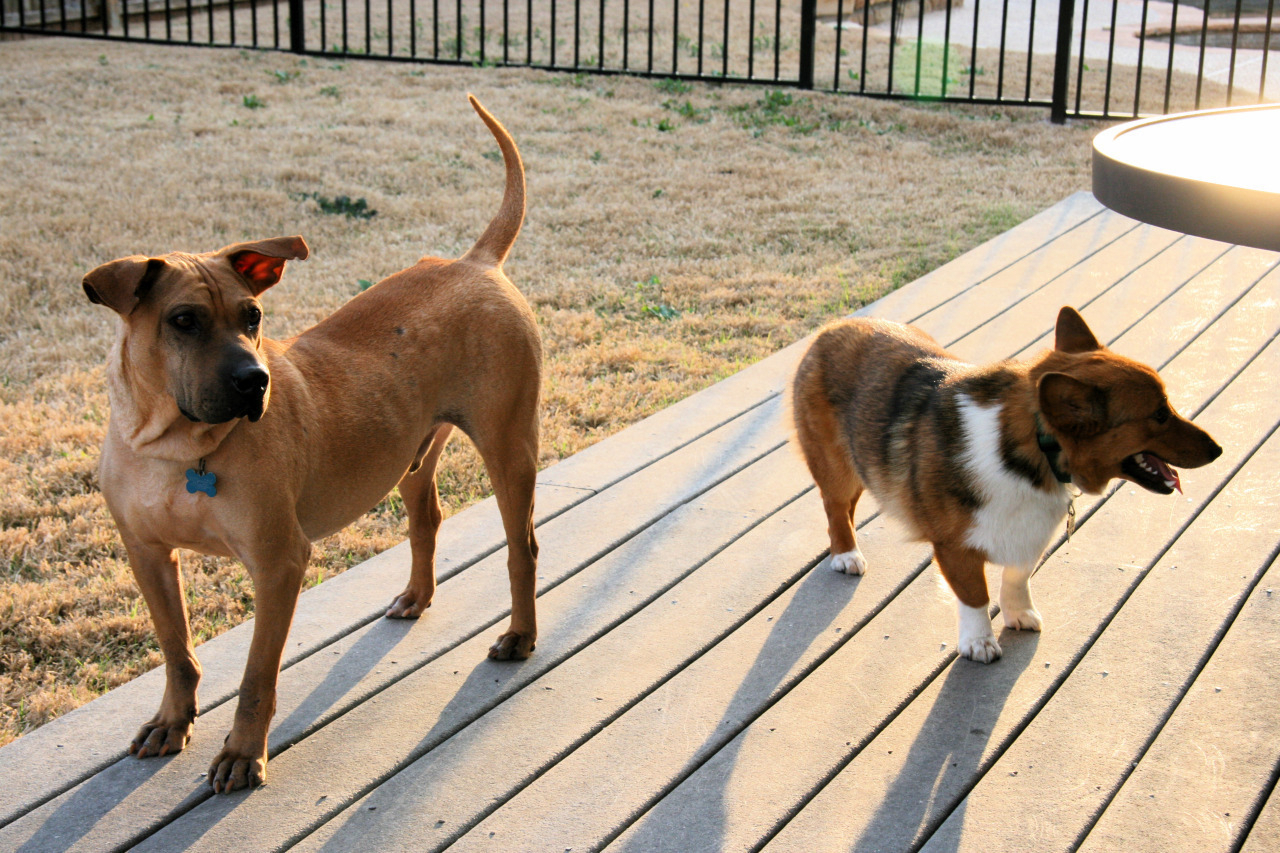
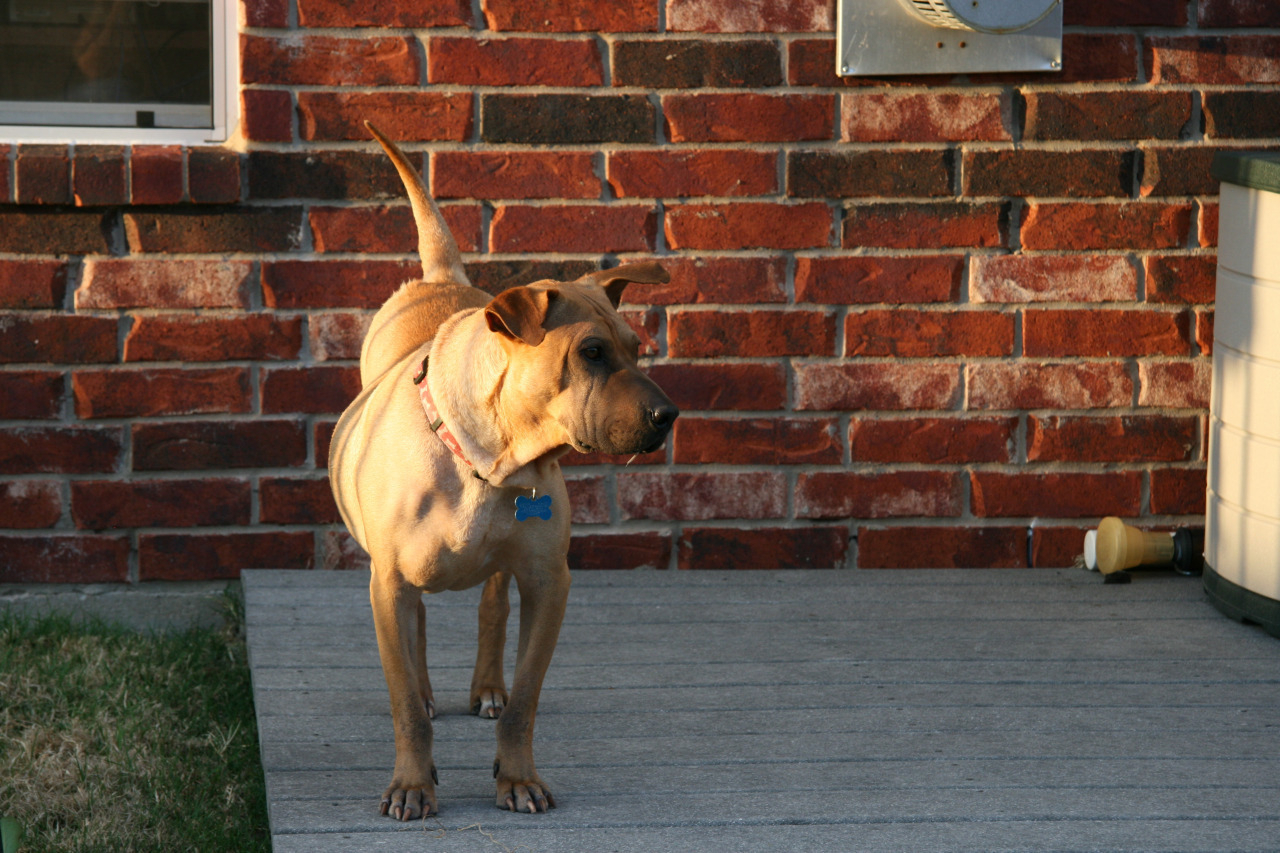
Yesterday, we had to make that most difficult of decisions pet owners have to make. Seemingly overnight, our Shar-Pei/bull terrier mix dog developed what our vet theorized was a brain tumor. He had become blind, and was so disoriented and off-balanced he could barely walk. Being this discombobulated led to severe nausea and lack of appetite. This was no way for our family protector to live, and the outlook for any sort of treatment was bleak.
So we said goodbye to our faithful companion, who has watched over all the children of our family; enjoyed a good tussle with fellow packmate Winston, our Corgi; looked forward to automobile rides, even if it meant a visit to the vet; and loved to chase a tennis ball around the house or yard. We love you, sweet Clancy.
You were a good dog.


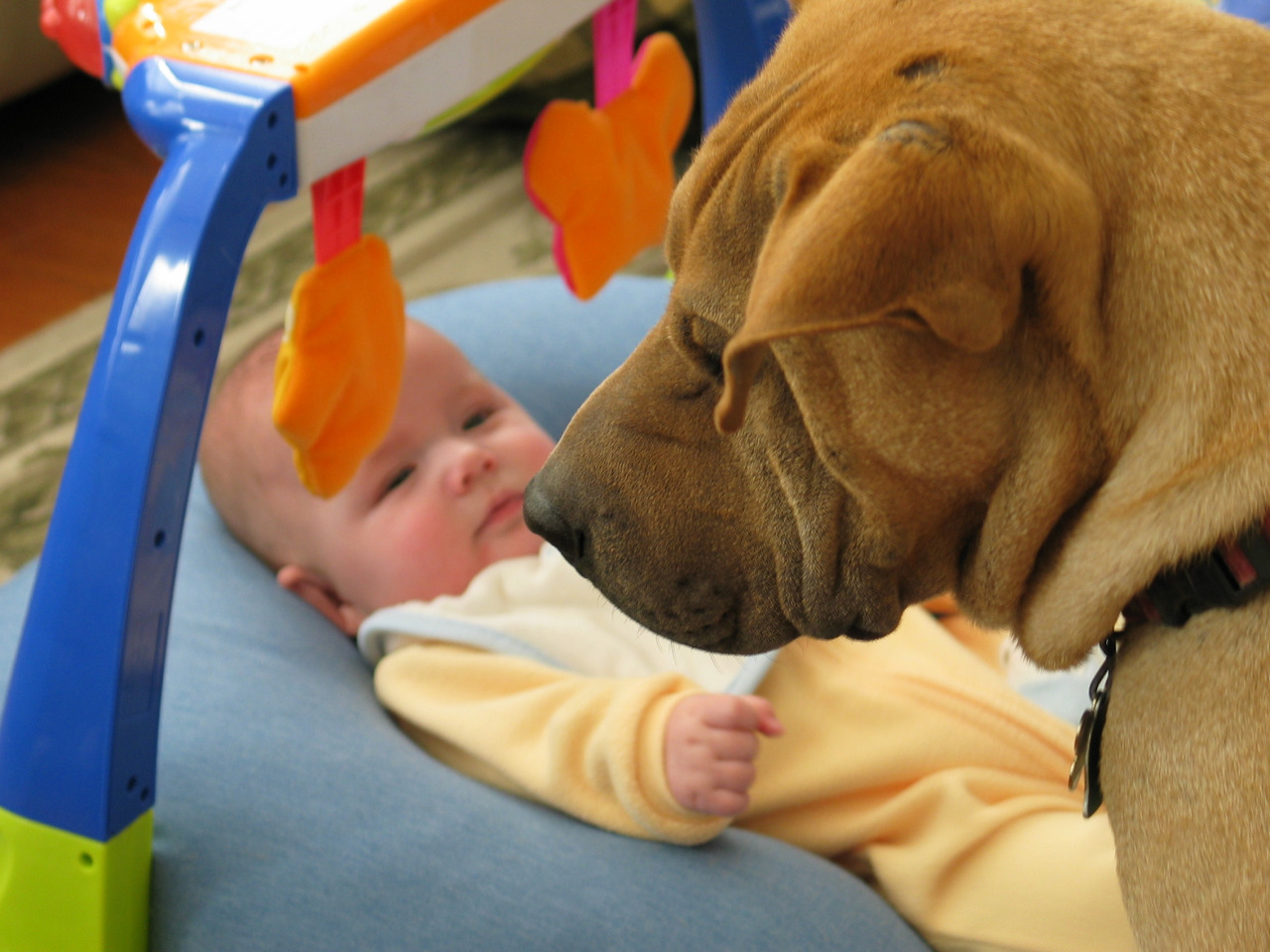
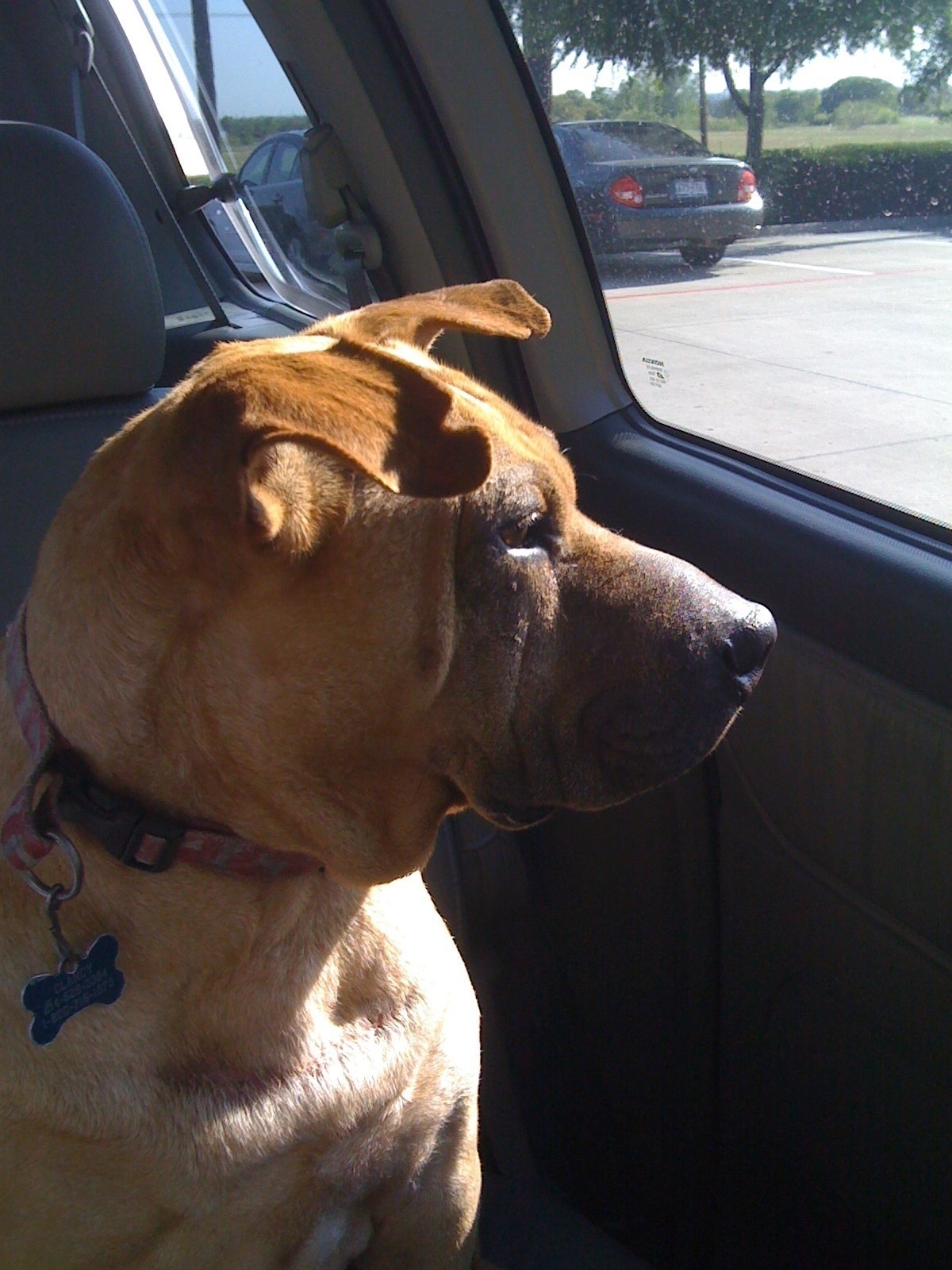

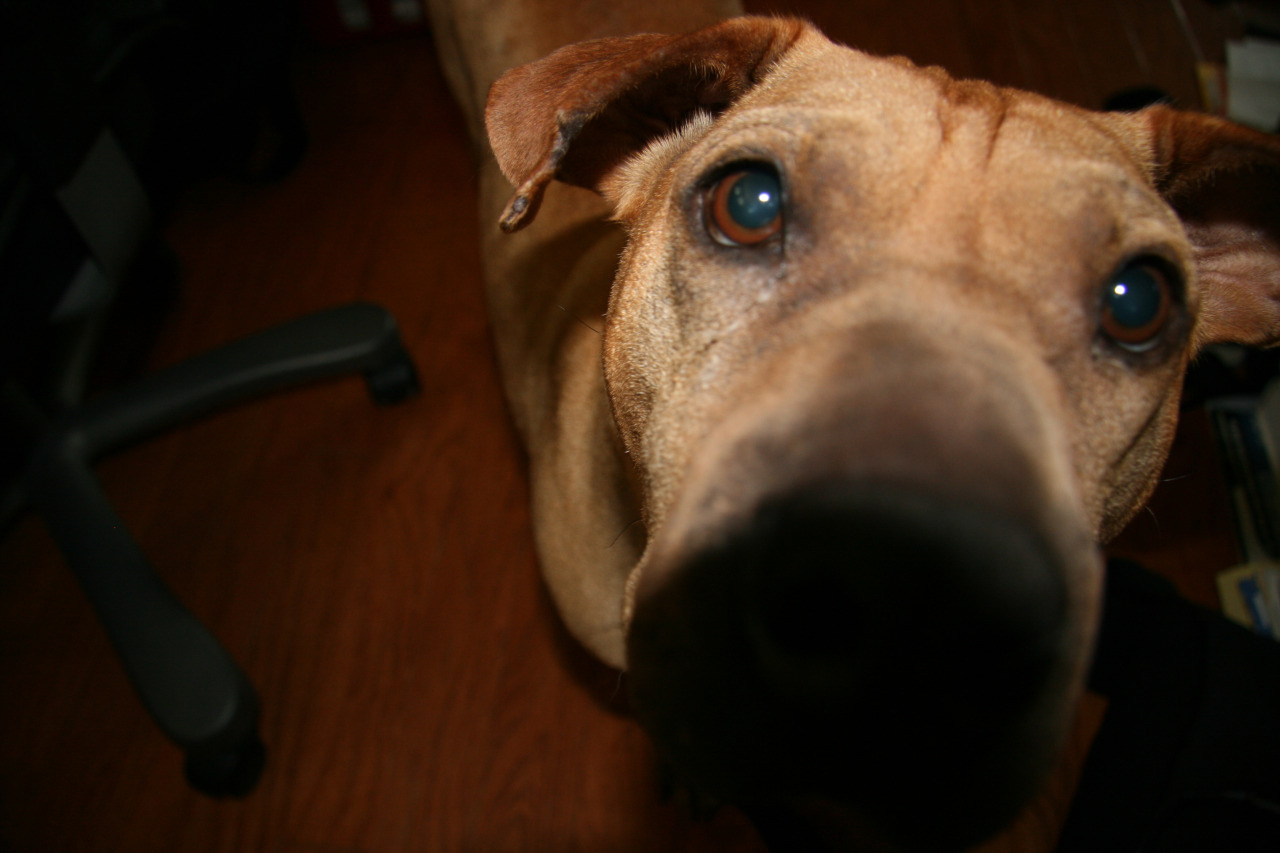

[vimeo 57401908 w=250 h=141]
Tonight, we’ll spotlight the maraca. from Chris Turner on Vimeo.
[vimeo 56298775 w=250 h=141]
Moonwalk from Bryan Smith on Vimeo.
The ultimate full moon shot. Dean Potter walks a highline at Cathedral Peak as the sun sets and the moon rises. Shot from over 1 mile away with a Canon 800mm and 2X by Michael Schaefer. mikeylikesrocks.com
This shot was part of a bigger project for National Geographic called The Man Who Can Fly. channel.nationalgeographic.com/videos/the-man-who-can-fly/
Music track is Will Bolton…wilbolton.co.uk/

[vimeo 54624733 w=250 h=141]
Flatfoot 56 - I Believe It from Anchor Guitars on Vimeo.
The boys in Flatfoot 56 are no strangers to touring. They have been holding their own for over ten years, and this year was no exception. Releasing new full length album ‘Toil’ on Florida based label Paper and Plastic. There schedule has sent them across the USA and Canada multiple times this year, with trips to Russia and Europe as well!!!
They showed up in Vancouver on October 16 having been on the road with Less Than Jake for just shy of two months. We were able to film their Victoria and Vancouver show, as well as two sound checks and an in-studio performance, the result is the video you are about to watch.
This song titled 'I Believe It’, is one of the singles on their new album 'Toil’. Released this last summer on the 24th of July.
Go and Download Toil!
-
Flatfoot56.com
Anchorguitars.com
Paperandplastick.com
-
Performance - Flatfoot 56
Recording - Chris Lemky
Video production - Anchor Guitar Studio
Books as physical objects matter to me, because they evoke the past. A Métro ticket falls out of a book I bought 40 years ago, and I am transported back to the Rue Saint-Jacques on Sept. 12, 1972, where I am waiting for someone named Annie LeCombe. A telephone message from a friend who died too young falls out of a book, and I find myself back in the Chateau Marmont on a balmy September day in 1995. A note I scribbled to myself in “Homage to Catalonia” in 1973 when I was in Granada reminds me to learn Spanish, which I have not yet done, and to go back to Granada.
None of this will work with a Kindle. People who need to possess the physical copy of a book, not merely an electronic version, believe that the objects themselves are sacred. Some people may find this attitude baffling, arguing that books are merely objects that take up space. This is true, but so are Prague and your kids and the Sistine Chapel. Think it through, bozos.
PEBKAC: More Than Just the Mac
This column originally appeared in the March 2012 issue of About This Particular Macintosh.
Recently, a friend and I were chatting about how Apple’s non-Mac products have changed the way we work with our Macs. He remarked how he thought he may be “using the Mac for far too much of it”, under-utilizing the iPhone and iPad. This got me thinking about how these devices have changed how much time I spend in front of my Mac.
These days, I spend very little time on Twitter while sitting at my Mac. Nearly all of my Twitter interaction is done on my iPhone through Paul Haddad and Mark Jardine’s excellent Tweetbot. (There is an iPad version as well.) I also keep the venerable Twitterrific on hand. These days, the only time I hit the Twitter web site is to possibly check out a new follower’s profile and Twitter stream.
This is an area of usage where things likely work out 50-50. I do a lot of e-mail reading and processing on my iPhone. If there are web links to read later, or a message in need of a lengthy reply, I’ll leave those in my inbox to take care of later when I’m at my Mac. (And how nice would it be to have some sort of Instapaper or Read It Later functionality built into Apple Mail?) E-mail usage on my iPad is very similar to that on the iPhone, if I’m not using an external keyboard, though given the iPad’s larger screen, I certainly get more of the click-on-this-link messages out of the way.
Web surfing
I would say I do as little web surfing on the iPhone as possible, but that’s not entirely accurate. Several apps have built-in web services, and Tweetbot now includes Readability, which has made checking out links from the Twitter stream much more enjoyable. I still do the majority of my web surfing on my Macs, but the iOS devices have definitely cut in to that.
RSS
An area that remains Mac-centric for me is reading RSS feeds. I am a long-time user of NetNewsWire on the Mac, but haven’t made the transition to feed-reading on my iOS devices. This is mainly due to NetNewsWire using Google Reader for syncing, as do many other RSS apps which transcend both iOS and OS X. I’ve always been leery of Google, and see them less trustworthy as time goes on. So I’m holding out for a non-Google Reader solution, and carrying on with 100% of my feed reading through NetNewsWire on a Mac. I’ve said it before, and I’ll say it again: the first developer to offer a Mac-iPhone-iPad RSS reader that syncs without Google Reader earns my money. Any takers?
Books
I’ve read a few books on my Mac over the past few years, in text or PDF form, but until the iOS devices (and Kindles) came along, most of my book reading was still done in the dead-tree editions. The past two years have seen my personal ebook reading skyrocket. I knew I had reached a personal milestone when I bought Lee Child’s latest Jack Reacher novel in Kindle format. Before, that had always been a hardcover purchase. Between Kindle apps on the iPhone and iPad, as well as iBooks, and Barnes & Noble’s Nook app, I always have a book at my disposal, if nothing else because my iPhone is always with me.
Music
This one hasn’t really changed since the iPod was first introduced. When I’m at my iMac, I listen to music through iTunes on the Mac. If I’m not in my study, I have the iPhone docked to a stereo, or I’m carrying it around with headphones. Call this one a tie.
Movies, TV Shows
The iPad came in very handy for this during our trip to Africa for getting caught up on the first season of Hawaii Five-0. The cable service in our hotel room was nonexistent, so this was a boon for those evenings when we just needed to veg out. Our boys make good use of the PBS Kids app on the iPads, both around the house and while traveling. While I still may watch the odd item on my iMac, most of the time I’d rather stream it to our Apple TV and watch it on the 47-inch HDTV in the living room. Advantage: iOS devices.
Writing
This endeavor still finds me in front of a Mac. Maybe the 27-inch iMac entrenched in the study, maybe the 11-inch MacBook Air that can, and has, gone anywhere. But still a Mac. I have done some writing on the iPad, but thus far that seems to have been a one-time event, outside of e-mail. And I can’t say I’ve done very much writing at all on my iPhone, other than the odd note. Very much still a Mac-centric activity for me.
All in all, the iOS devices have me spending less time in front of a Mac’s screen, and this is not at all a bad thing. My iMac still acts as my digital hub, and despite iCloud’s promises, I don’t see that changing any time soon. Still, I’m thankful for my iPhone’s omnipresence, giving me music and books any time, anywhere I want, and the versatility the iPad offers for some things over even the MacBook Air.
How has having an iPhone or iPad changed the way you work with your Mac?

[gallery]
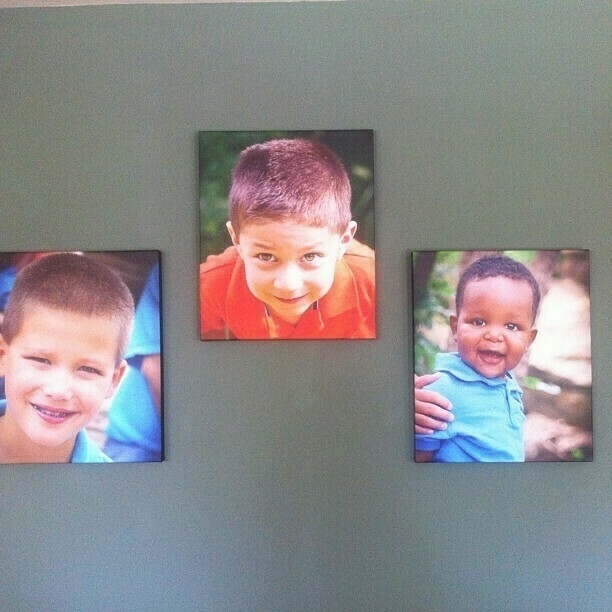
Love my parents. Get home from vacation, they’ve painted an accent wall and hung the boys’ portraits.